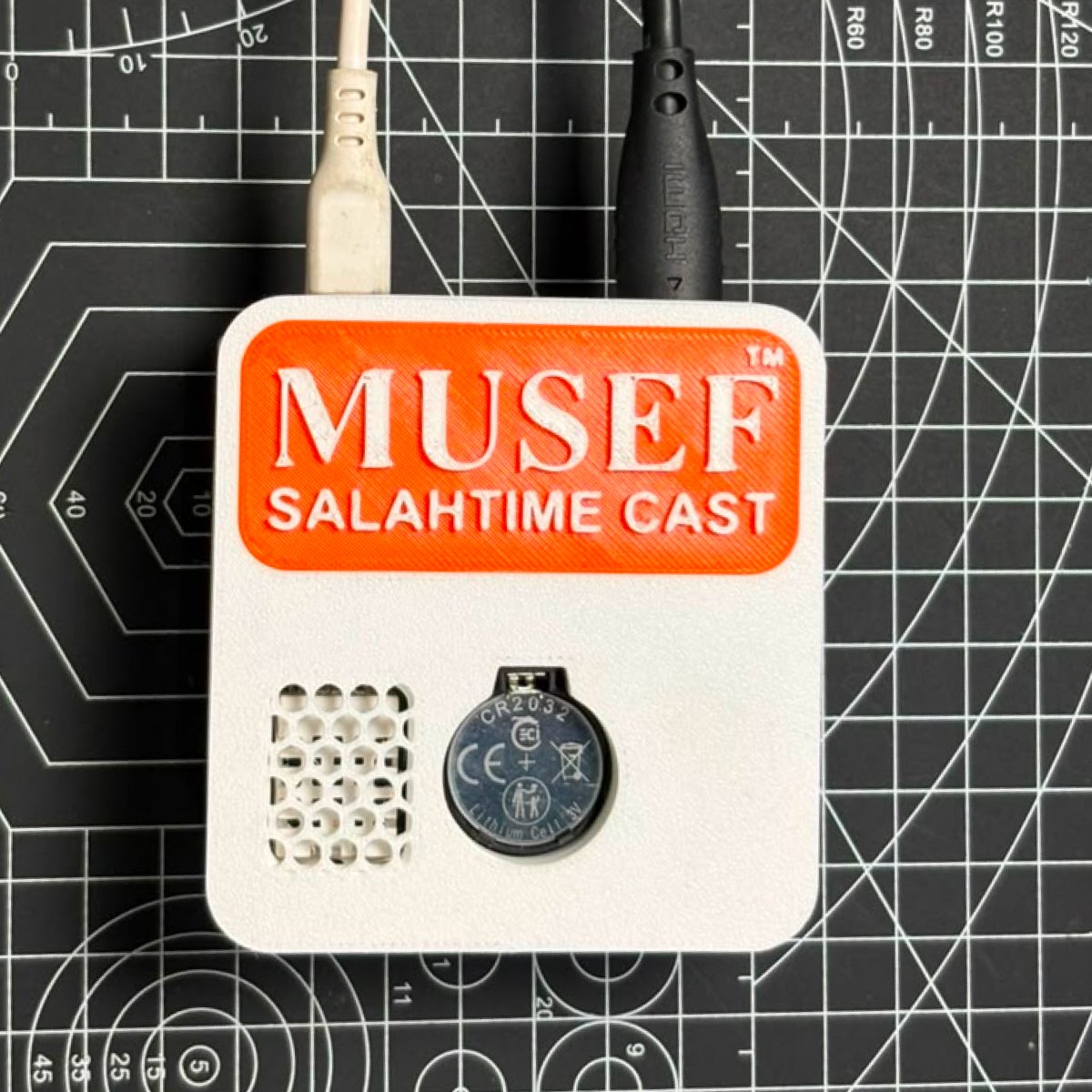
Musef™ Salah Time Cast Device for Masjid — HDMI Enabled

Rated 5.00 out of 5 based on 1 customer rating
(1 customer review)

Original price was: ₹9,999.Current price is: ₹6,999.

  • Casts accurate Salah times, Iqamah countdowns and authentic Hadiths to any screen.
  • Plugs straight into a TV or display over HDMI – no computer needed.
  • Choose your display language: English, Hindi, Urdu or Gujarati.
  • Clean, legible layout designed to be read from across the hall.
Ask a question
SKU: MSTC-01 Category: Brand:

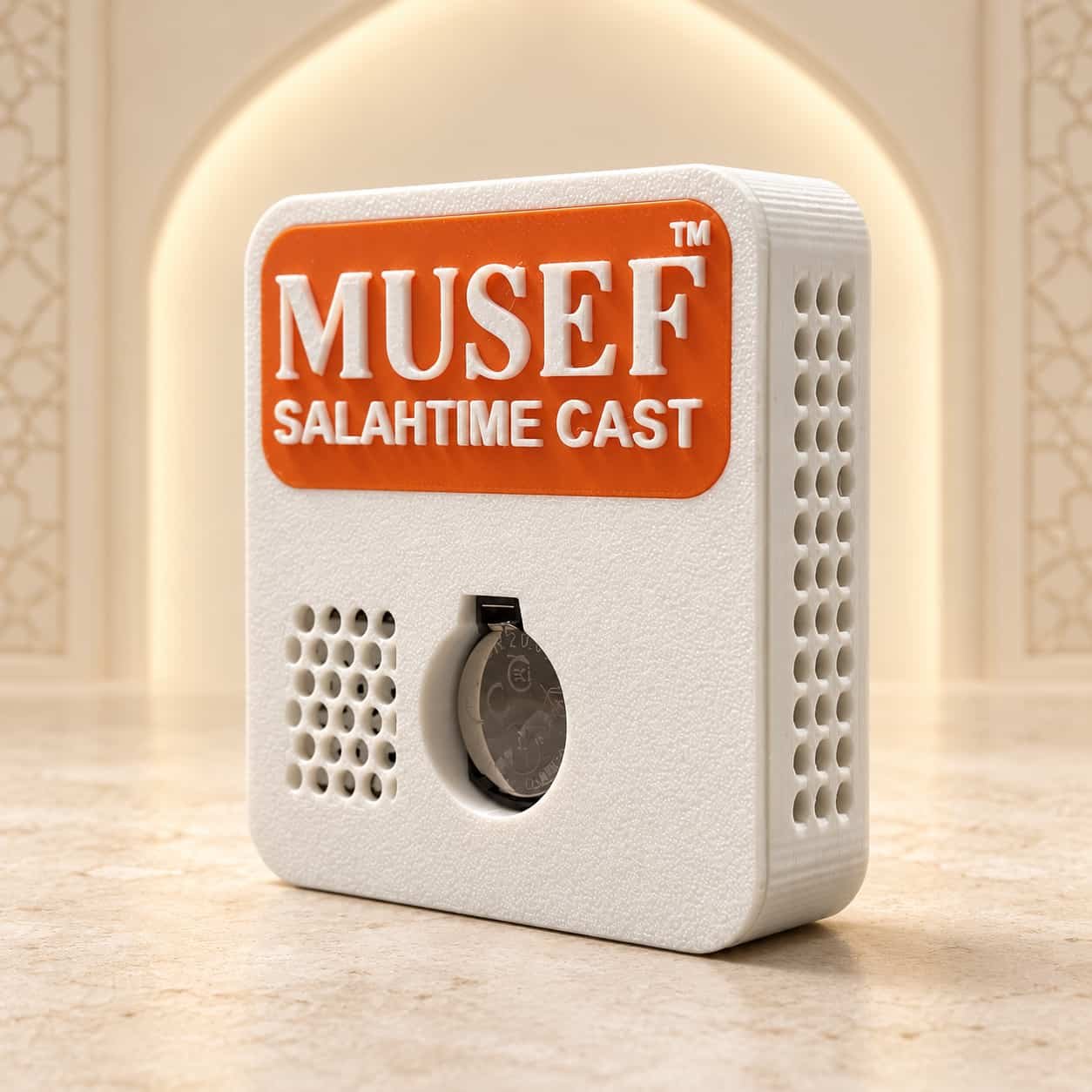
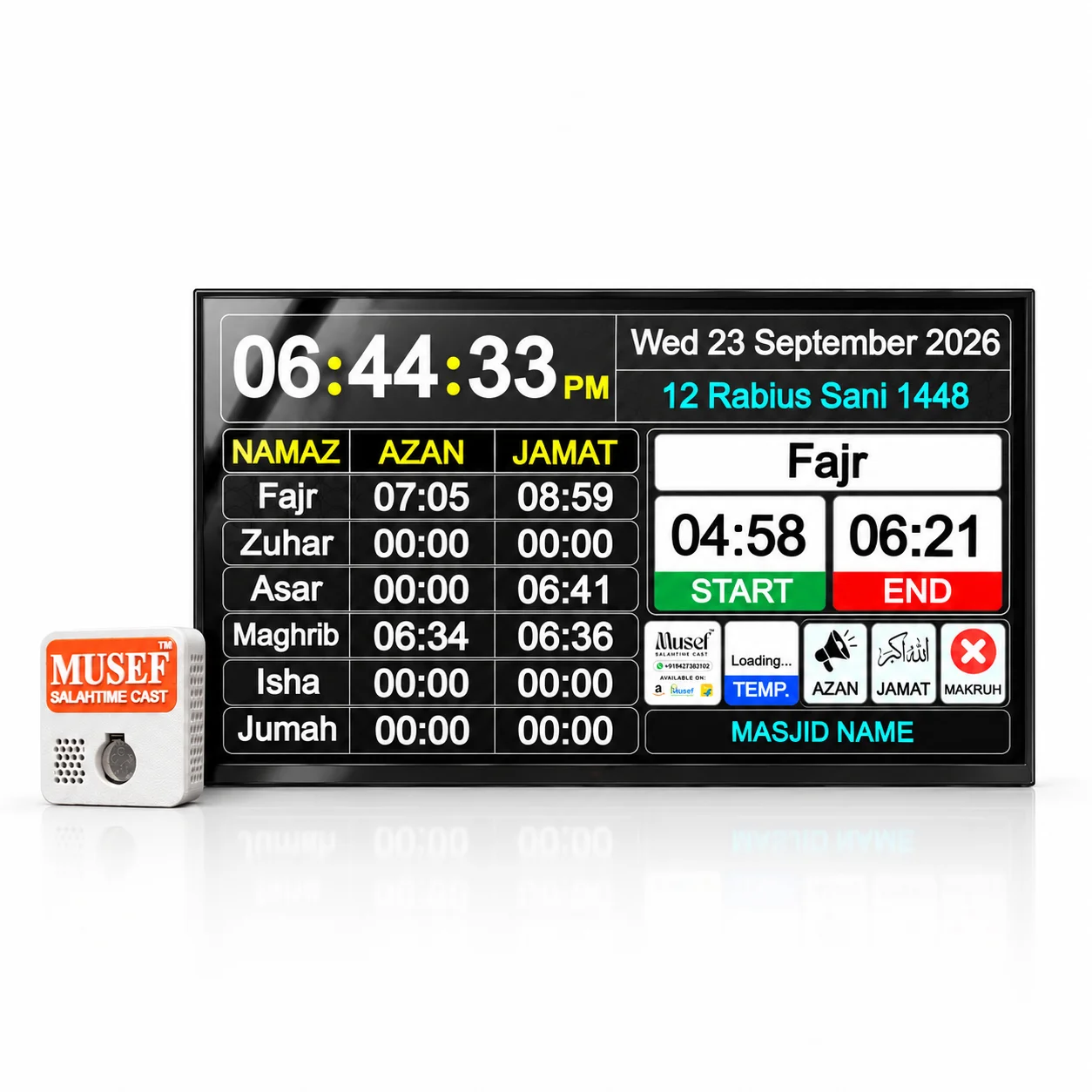
Transform your masjid’s display into a modern, intelligent Salah information hub with the Musef™ Salah Time Cast — an HDMI-enabled smart system designed to project accurate prayer times, Iqamah countdowns and authentic Hadiths directly onto any TV or digital screen.

Crafted for simplicity and reliability, Musef™ brings together precision timekeeping, elegant visual design and meaningful reminders — ensuring your congregation stays informed and spiritually inspired throughout the day.

Features

  • HDMI enabled — connect instantly to any TV, monitor or projector.
  • Accurate Salah & Iqamah times — with live countdowns.
  • Hadith after congregation — shown for 5 minutes after every Jamat.
  • 4 beautiful themes — Midnight, Ivory, Emerald and Ramadan.
  • Multi-language variants — English, Hindi, Urdu, Gujarati.
  • RTC-backed timekeeping — settings survive power cuts.
  • Temperature display — built-in sensor shows room temperature.
  • Mobile app control — change timings and settings remotely.
  • All Taqwims supported — or enter your masjid’s own timings.
  • Plug-and-play setup — no PC or complex configuration.
  • 24×7 reliable operation — low power, continuous performance.
  • 2-year warranty — plus free setup support.
Language

English, Gujarati, Hindi, Urdu

Model

MSTC — Musef™ Salah Time Cast

Processor

Raspberry Pi based single-board computer

Video output

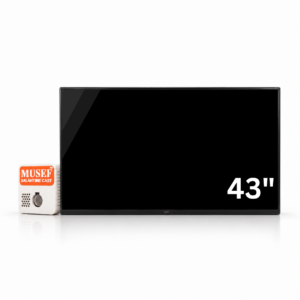
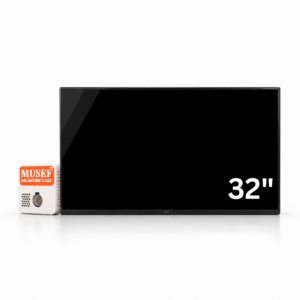
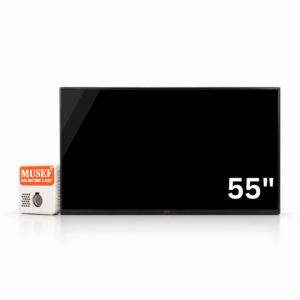
HDMI, up to 95″ TVs, monitors and projectors

Timekeeping

RTC module with backup cell — settings and time survive power cuts

Sensor

Temperature sensor for on-screen hall temperature

Audio

Built-in beeper for the one-minute Azan and Jamat alert

Control

Musef companion Android app

Power

5V USB adapter, continuous 24×7 operation

Languages

English, Hindi, Urdu, Gujarati (one per device)

1 review for Musef™ Salah Time Cast Device for Masjid — HDMI Enabled

  1. Rated 5 out of 5

    user –

    Very Good Device For Masjid

Add a review

Frequently asked questions

Which screens does it work with?

Any TV, monitor or projector with an HDMI input, up to 95 inches. You plug the device straight into the HDMI port — no smart TV or special display is needed.

Do I need a computer to run it?

No. It is plug-and-play: connect the HDMI cable and the 5V USB power adapter, and it starts on its own. There is no PC and no complex configuration.

Can one device show more than one language?

Each device is set up for a single language, which you choose when ordering — English, Hindi, Urdu or Gujarati. Pick the language on this page before adding it to your cart.

What happens during a power cut?

An RTC module with its own backup cell keeps the time running, so your timings and settings survive a power cut. When the power returns the display comes back on its own.

How do I set the Salah and Iqamah timings?

Through the Musef companion Android app, so you can change timings and settings without touching the device. All Taqwims are supported, or you can enter your masjid’s own timings.

What does it display besides prayer times?

Live Iqamah countdowns, a Hadith for five minutes after every Jamat, the hall temperature from the built-in sensor, and a one-minute beeper alert before Azan and Jamat. Four themes are included: Midnight, Ivory, Emerald and Ramadan.

Is it meant to run all day?

Yes. It runs on a 5V USB adapter and is built for continuous 24×7 operation at low power.

What about warranty and setup help?

The Salah Time Cast device carries a 2-year warranty. Where a TV is supplied with it, the TV carries 1 year. Setup support over phone or WhatsApp is free, and there is a step-by-step installation guide on this site.